Visual AI customer support, with nothing to install
Send your customer a link. They show the device, the cable or the screen on their camera, and a live AI agent looks, asks and talks them through the fix. No app, and no "please send a photo".
In their words
“Instead of helping, they asked for dozens of photos of every angle and serial number.”
“We see so many 'broken' return units where the only issue is a glitched lighting profile or a stuck layer. The board is perfectly fine, but the user didn't know how to reset it.”
How it works
- 01
Put the link where the stuck customer already is: your help page, your site's widget, or the reply to their ticket. Nothing to install on their side.
- 02
They point their camera at the device, or share their screen from a laptop. Your agent names what it sees and gives one step at a time, checking the result before the next.
- 03
When a fix needs a person, the agent says so instead of guessing. With the customer's okay it can take one snapshot for your team, kept privately for 7 days.
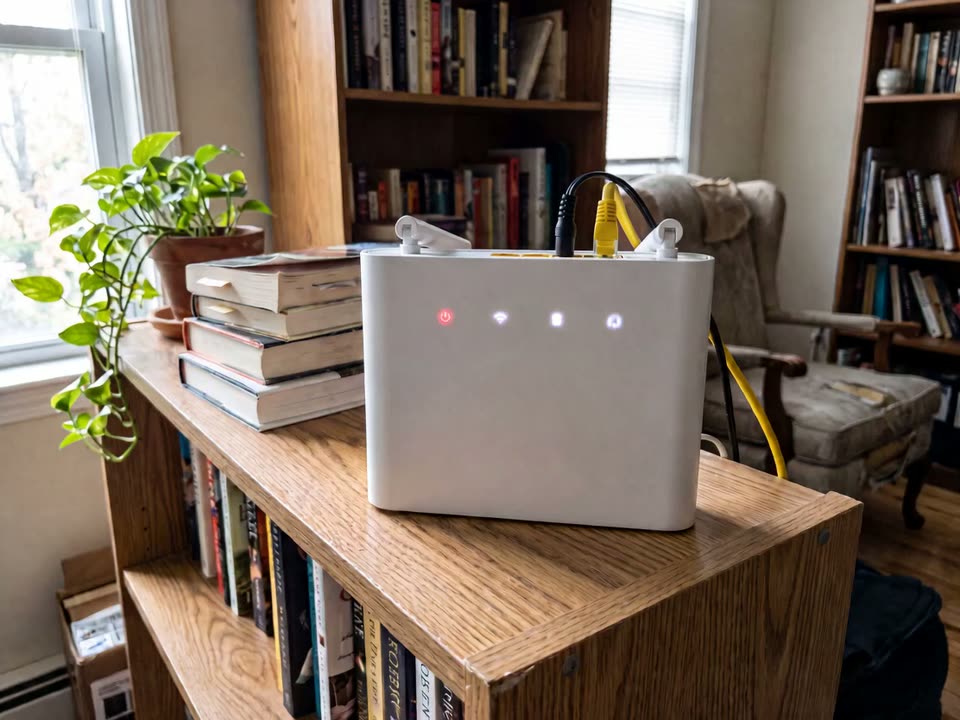 Illustration · scene made with AI
What it doesn't do
- No human joins the call, and the agent cannot transfer to one. When a fix needs a person, it says so; with callback requests switched on, it offers to take the customer's details for your team to call back.
- It sees about one frame a second, through the camera or a shared screen (a tab or window from a laptop; not from a phone, and never in the website widget). Fine for a label or a screen, not fast movement.
- Free calls last up to 10 minutes each on the included model. On your own model key, calls last up to 10 minutes.
Questions
Is there a person on the call?
No. It is an AI agent, and says so when asked. It can walk through a reset, a cable swap or a settings screen. It cannot transfer the call or send a technician; when a fix needs a person, it says so, and with callback requests on it takes the customer's details for your team.
Does it connect to our helpdesk?
Not directly: there is no Zendesk, Freshdesk or Gorgias connector. When a call ends it can post the call to a URL you set, for n8n, Make, Zapier or your CRM. With lead capture on, the details a customer leaves show under Leads in your dashboard, and a second switch emails you new ones.
Is the call recorded?
No. The agent looks at about one frame a second while you talk and does not record the call. The transcript is kept for 10 minutes after the call, then deleted; the privacy page says who processes it. A snapshot is taken only if the customer agrees, and is deleted after 7 days.